Overview
You’re looking at this case study. I designed and built aviral.design in conversation with Claude Code: I set the direction, judged every iteration in the browser and threw out what didn’t feel right. Claude Code wrote the code.
I wanted a portfolio that behaves like the tools designers live in. So the site has a Figma-style inspect mode, a hero grid that reacts to your cursor, design-tool logos you can throw around, and a set of hidden interactions to find.
- 11Hidden interactionsSix of them on phones and tablets.
- ~2,100Chips in the hero gridEach one lifts when your cursor passes.
- 0CookiesFonts and scripts are self-hosted.
How we worked
AI makes it cheap to try things, which makes judgement the scarce part. Every feature went through the same loop.
- 01 · Me
Brief
I describe the feeling, not the code: what it should do, how much it should move, what it must never become.
- 02 · Claude Code
Build
Claude Code builds a first version, often two or three variations side by side.
- 03 · Me
Review
I look at it in the browser, on desktop and on my phone, and give precise feedback.
- 04 · Me
Decide
Keep it, refine it or throw it away, then go round again.
A grid that answers
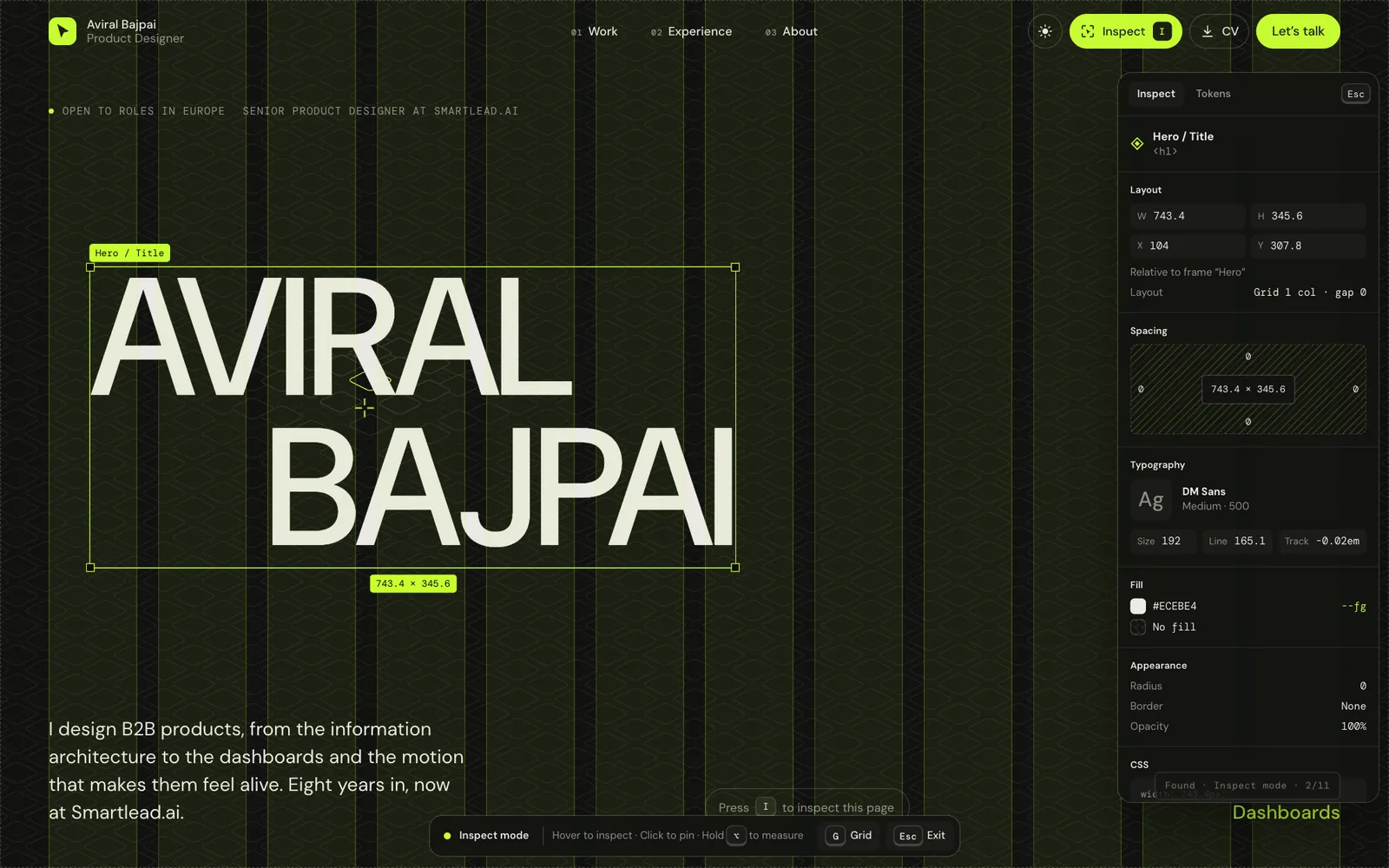
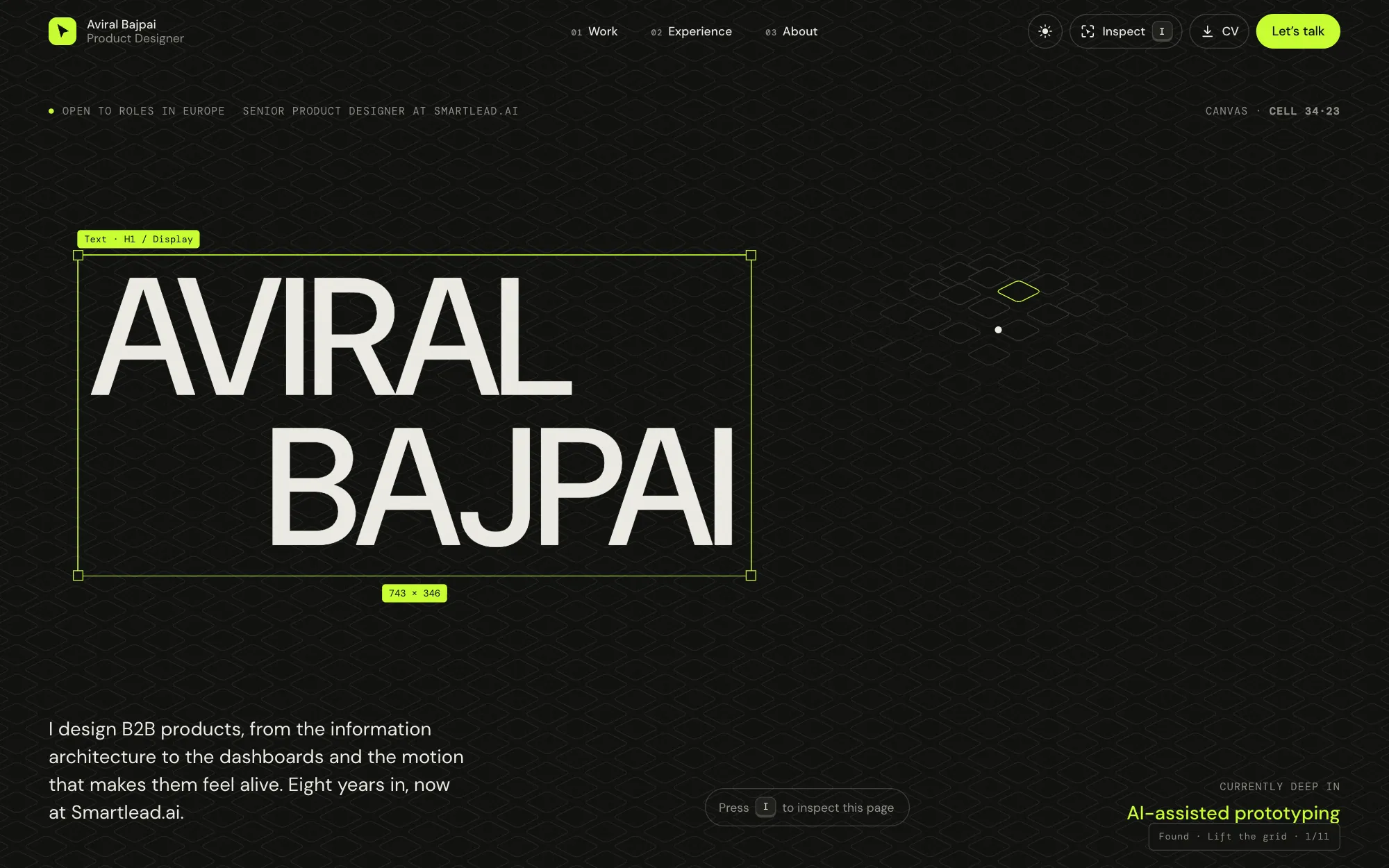
The hero is a full-bleed grid of about 2,100 flat chips, built with Hairline, an isometric line-drawing engine. At rest it should read as a quiet background. Move your cursor and the chips under it lift and settle; click, and a ripple runs out from the pointer.
 Hero
Getting there took several rounds. My brief was that it should “feel like a static grid background when cursor is not hovering”. The first chips had thickness and looked like buttons, so they became flat outlines. The lift came down to about a tenth of the first version. A square, gapless variant was tried and rejected. On phones the live grid felt jittery, so touch devices get a still image of the same grid instead.
Inspect mode
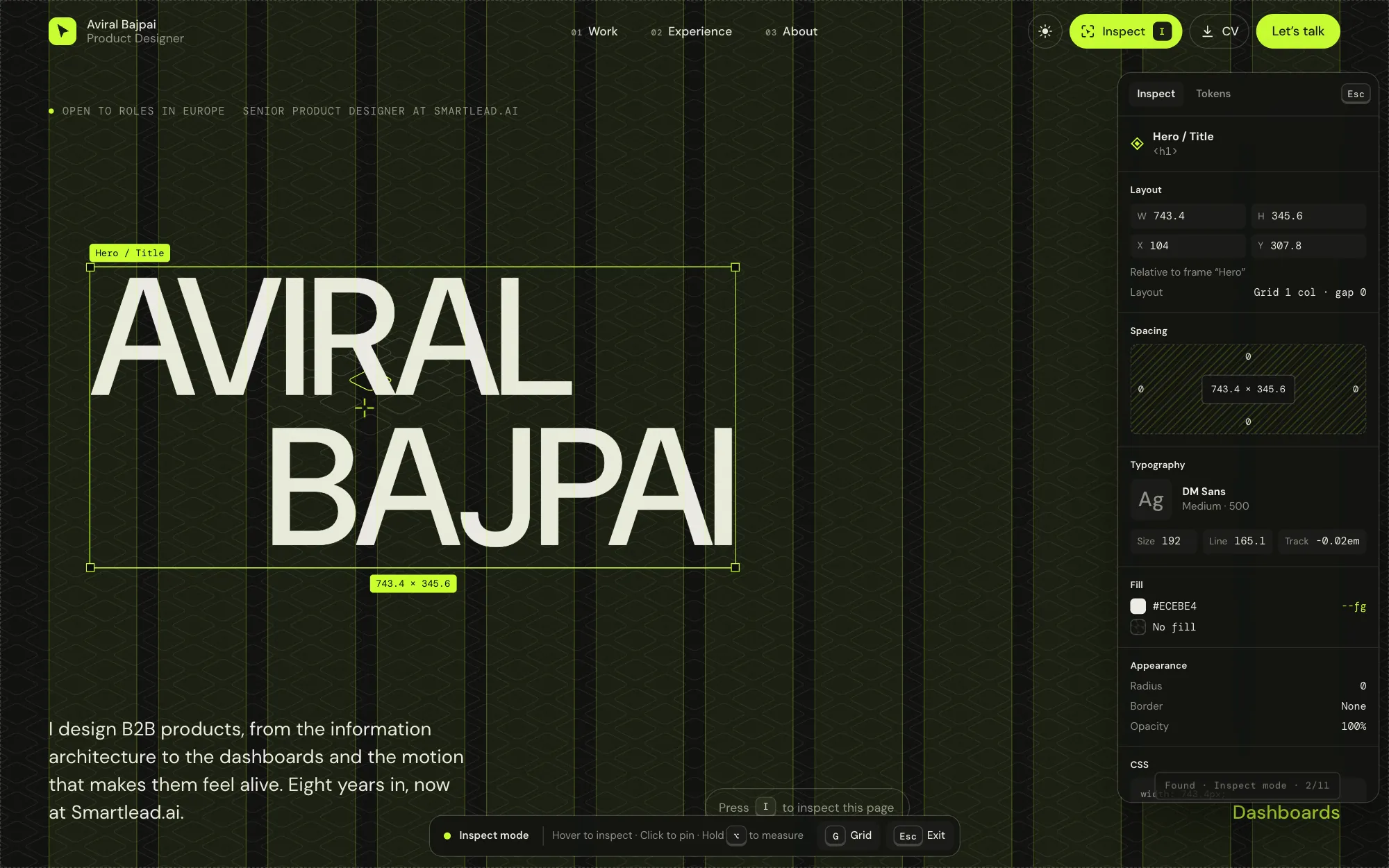
Press I, or tap the button in the nav, and the page turns into a design file. Hover any element to see its layer name, size, spacing, type and colour tokens, the way you would in Figma. It’s a portfolio that shows how it was built.
 Inspect
Things to find
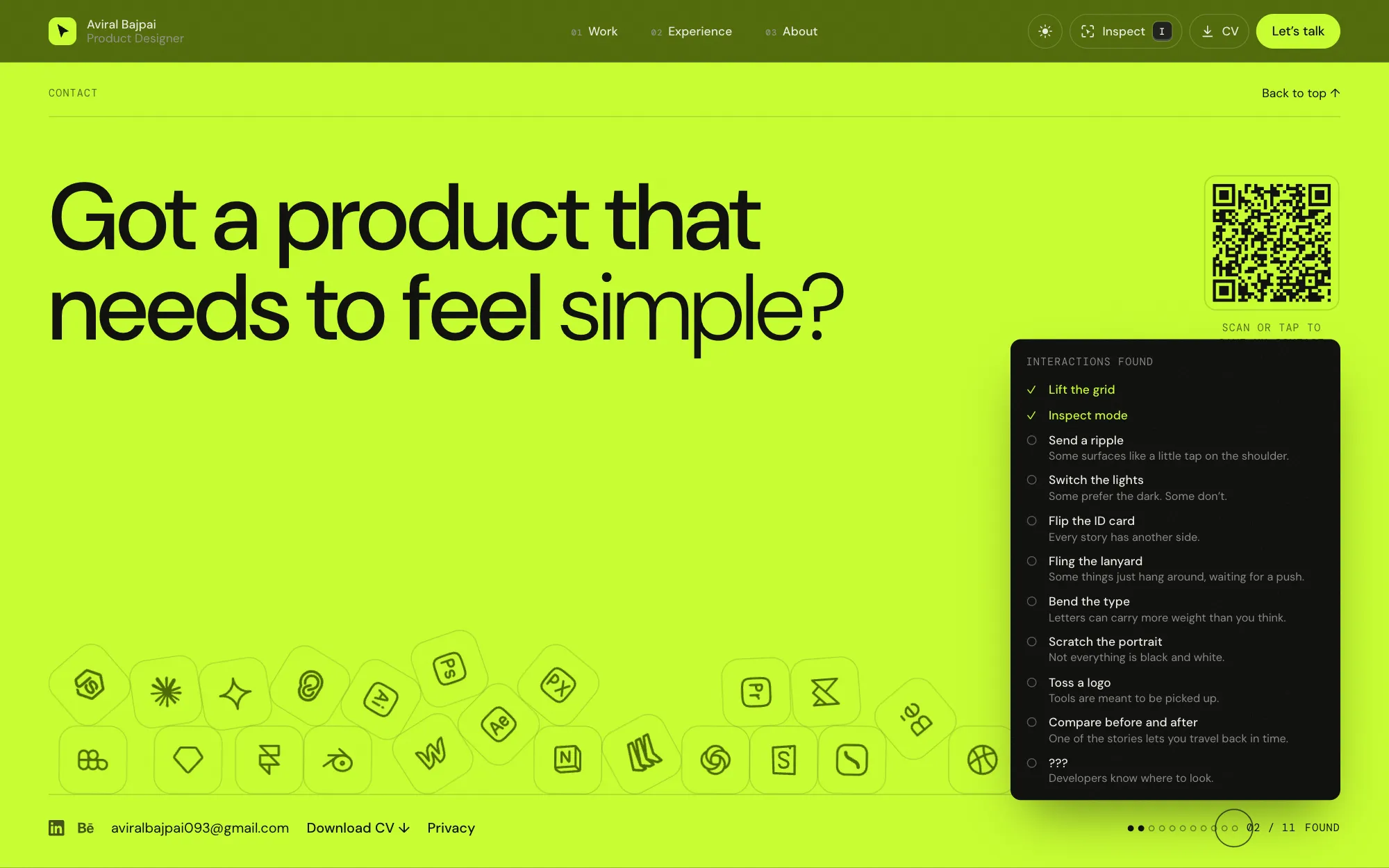
Eleven interactions are hidden around the site, from flipping the ID card to scratching the portrait back into colour. A counter in the footer keeps score and gives deliberately vague hints. The last one is for developers: open your browser’s developer tools.
 Discovery
The footer
The design tools I use drop into the footer and pile up under real physics. Pick one up and throw it. On phones, a custom spring lets you drag logos with your finger while the empty space still scrolls the page.
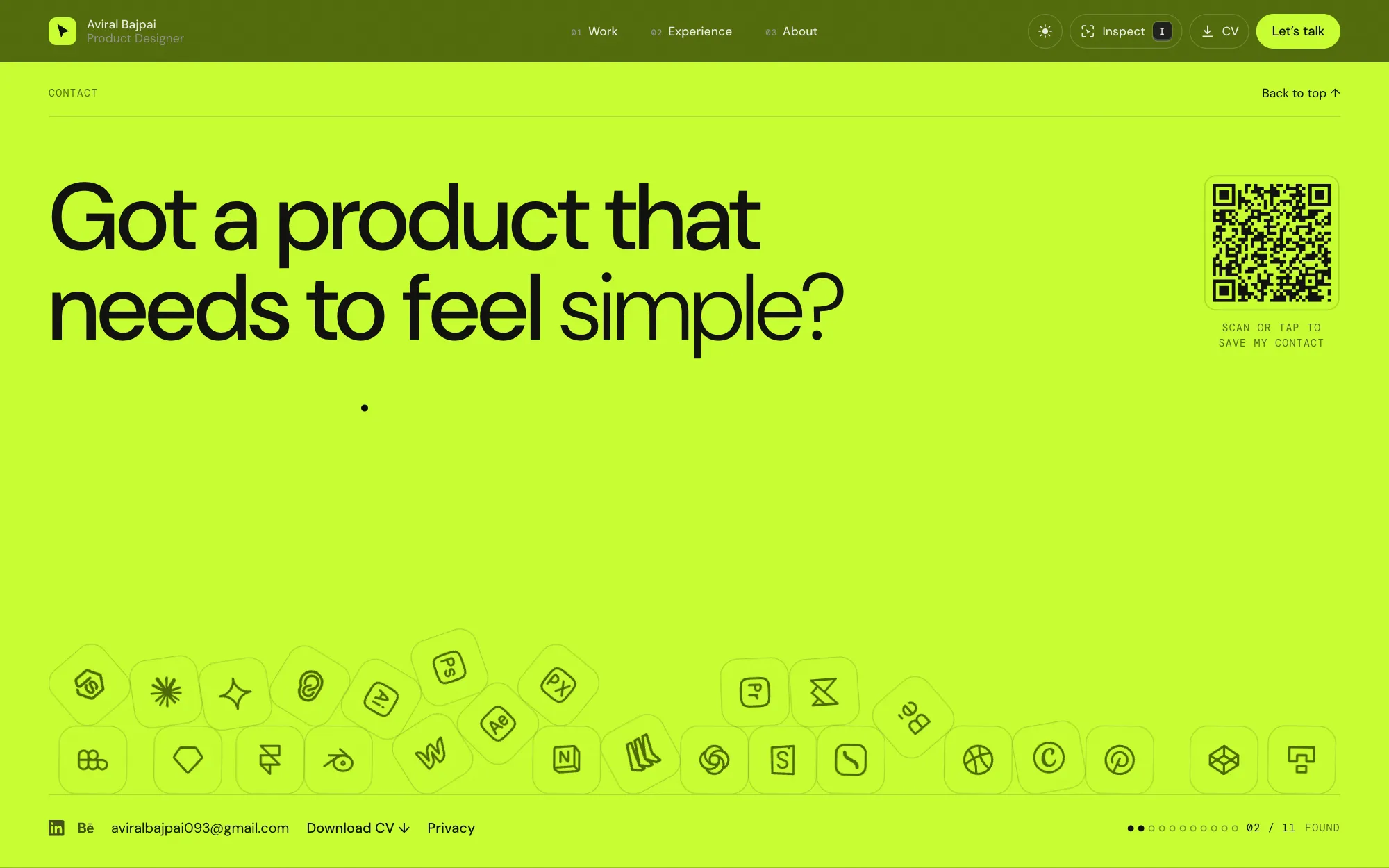 Footer
Who did what
- Me
Direction and judgement
The concept, the visual language, every interaction idea and how much it should move. Reviewing each build in the browser, on desktop and phone, and deciding what stays.
- Claude Code
Building and iterating
Writing the Astro, GSAP and physics code, producing variations to compare, and making the precise changes I asked for, from a 10% smaller lift to a softer outline.
No client data or NDA work went into any AI tool. Everything on this site is my own material or public.